


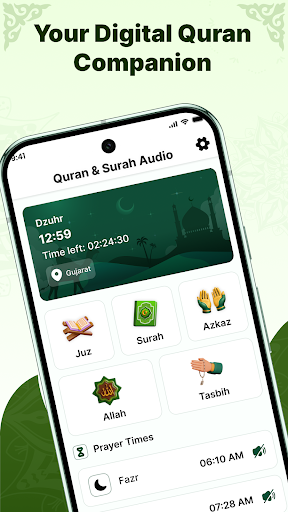
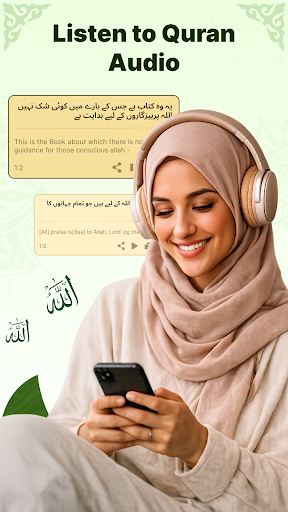
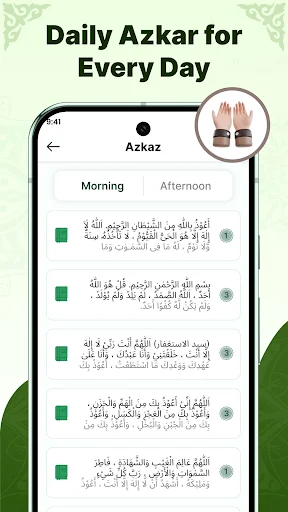
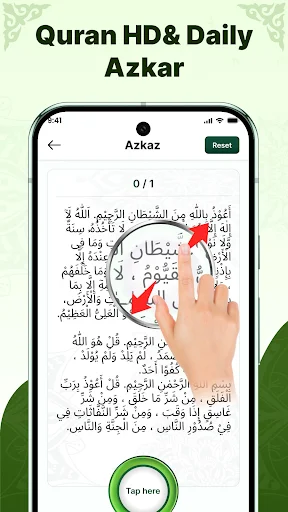

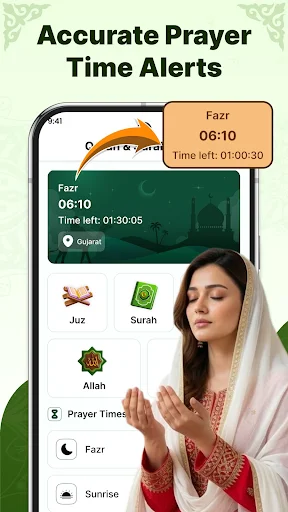
AyahDeck: Quran & Surah Audio provides a dedicated platform for engaging with the Holy Quran. This app allows users to read the complete Quran text, which includes all 114 Surahs, and listen to audio recitations. It is designed to support a consistent daily Quran routine, offering features like progress tracking to help users pick up exactly where they left off and the ability to listen to Surahs even when offline after initial download.
Complete Quran Text and Navigation
The app presents the full text of the Holy Quran, encompassing all 114 Surahs. For ease of use, the content is organized to allow navigation by both Surah and Juz. A clear and comfortable reading layout is provided, intended for daily reading sessions. Users can maintain their reading progress, as the app remembers the last verse viewed, enabling a seamless return to their previous point each time it is opened.
Audio Recitation and Offline Listening
AyahDeck includes audio recitations for Surahs, offering a listening component to the Quran routine. Once these audio files are downloaded, they become available for offline playback, allowing users to listen without an internet connection. The app supports background and lock-screen playback, meaning the audio can continue while other tasks are performed or the device is locked. Playback controls are straightforward, including options to play, pause, and repeat recitations.
Reading Consistency Features
To assist users in maintaining a regular connection with their Quran routine, the app incorporates reminder notifications. These notifications are designed to help users stay consistent with their reading habits. Additionally, the app sends occasional important updates separately from the reading reminders. Permissions such as Boot and Wake Lock are requested to ensure these Surah reminders function reliably, even after a device restart.
Permissions and Network Usage
The app requests specific permissions to deliver its core functionalities. It requires Internet and Network State access to load audio recitations, display advertisements within the app, and verify connectivity. Notifications permission is used for sending reminders about the next Surah and for sharing occasional important app updates. The Boot and Wake Lock permissions are utilized to help ensure that Surah reminders continue to work dependably, including after the device has been restarted.



Write a review